Different shipping methods available.











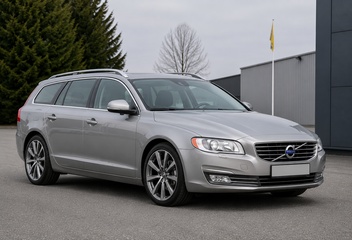
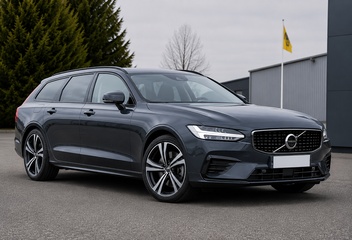
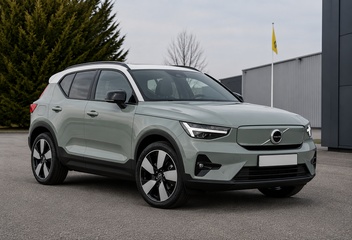
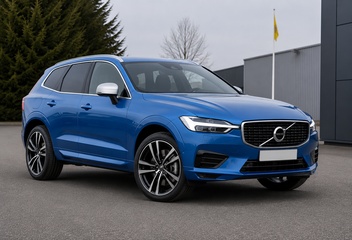



































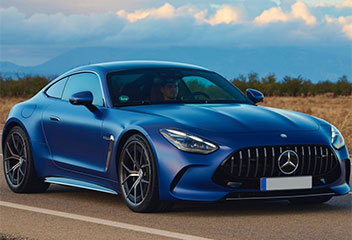


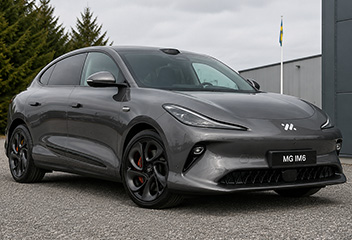


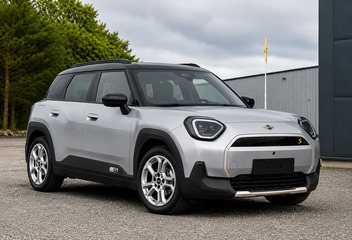


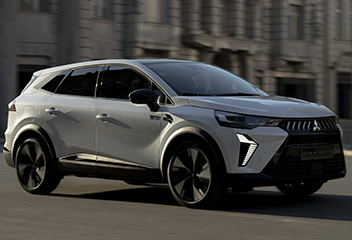























































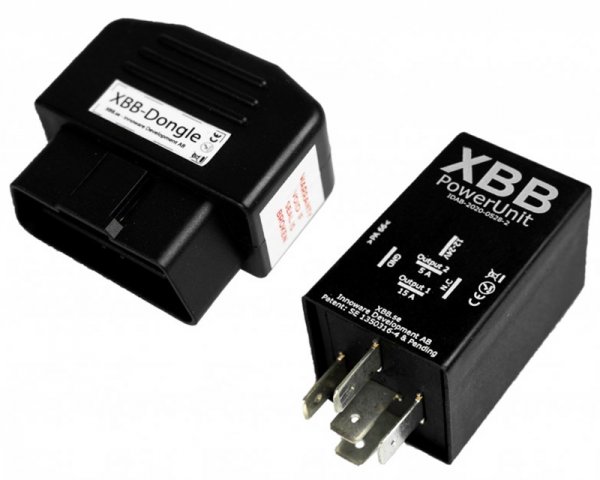
Install auxiliary lights without cutting wires: Guide to XBB Dongle & XBB Power Unit
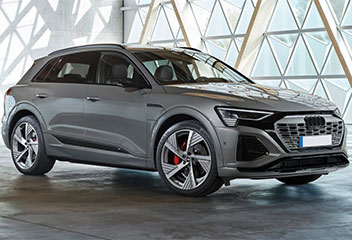
Do you have a modern vehicle with LED or Xenon high beams? Then you know that simply "tapping" power from a wire to install your LED bar is no longer an option. Modern vehicle electronics require smarter solutions. XBB Dongle & Power Unit is the market's most seamless solution for controlling auxiliary lights via the vehicle's OBDII port – completely wireless.
Why choose XBB over traditional relay kits?
- No impact on wiring: You don't need to cut into the car's original wiring, which is invaluable for warranties and leasing agreements.
- Fast installation: Go from start to finish in under 15 minutes.
- Wireless technology: Bluetooth communication between the OBD port and the relay eliminates the need for cable routing through the firewall.
- Multifunctional: Control not only auxiliary lights but also position lights or reverse lights via the secondary output.
How the installation works (Step-by-step)
Getting started with XBB requires no prior knowledge of automotive electrics. Just follow these simple steps:
- Preparation: Download the XBB Configurator app (available on App Store and Google Play). Check the app to ensure your car model is in the list of compatible vehicles.
- Mount the Dongle: Plug the XBB Dongle into the vehicle's OBDII port. It is usually located under the steering wheel or near the dashboard on the driver's side.
- Install the Power Unit: Mount the relay holder near the vehicle's battery or fuse box in the engine compartment. Insert the XBB Power Unit into the holder.
- Connect the lighting: Connect your LED bar or auxiliary lights to the DT connector on the wiring harness.
- Configure: Open the app and pair the devices. Select your car model and download the specific "recipe" for your vehicle.
Applications: Reverse lights and extra functions
Many customers search for the XBB wiring diagram for more than just high beams. Since the Power Unit has two independent outputs (15A and 5A), you can use output no. 2 to control reverse lights or position lights, for example. You can also add an XBB Smart Button to manually toggle your auxiliary lights from inside the cabin without running a single wire.
Technical specifications that impress
XBB is not just smart; it's powerful too. The system can handle heavy loads despite its compact size:
- Operating voltage: 9-36V (suitable for both passenger cars and trucks).
- Max load: Up to 15A on the main output (approx. 180W at 12V).
- Protection class: Robust design built to withstand the engine compartment environment.
Want to see if your car is compatible? See the complete list of car models here or contact us at Transportstyling for expert advice on your build.




.png)